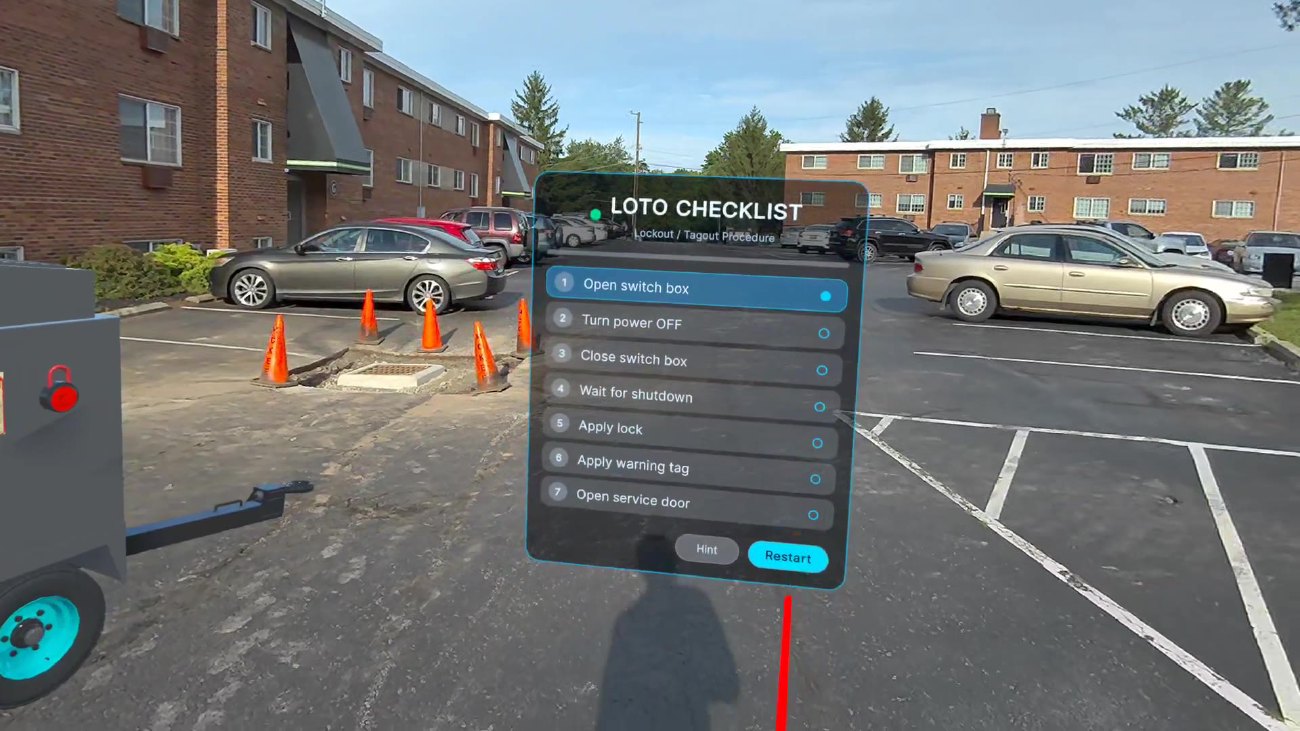
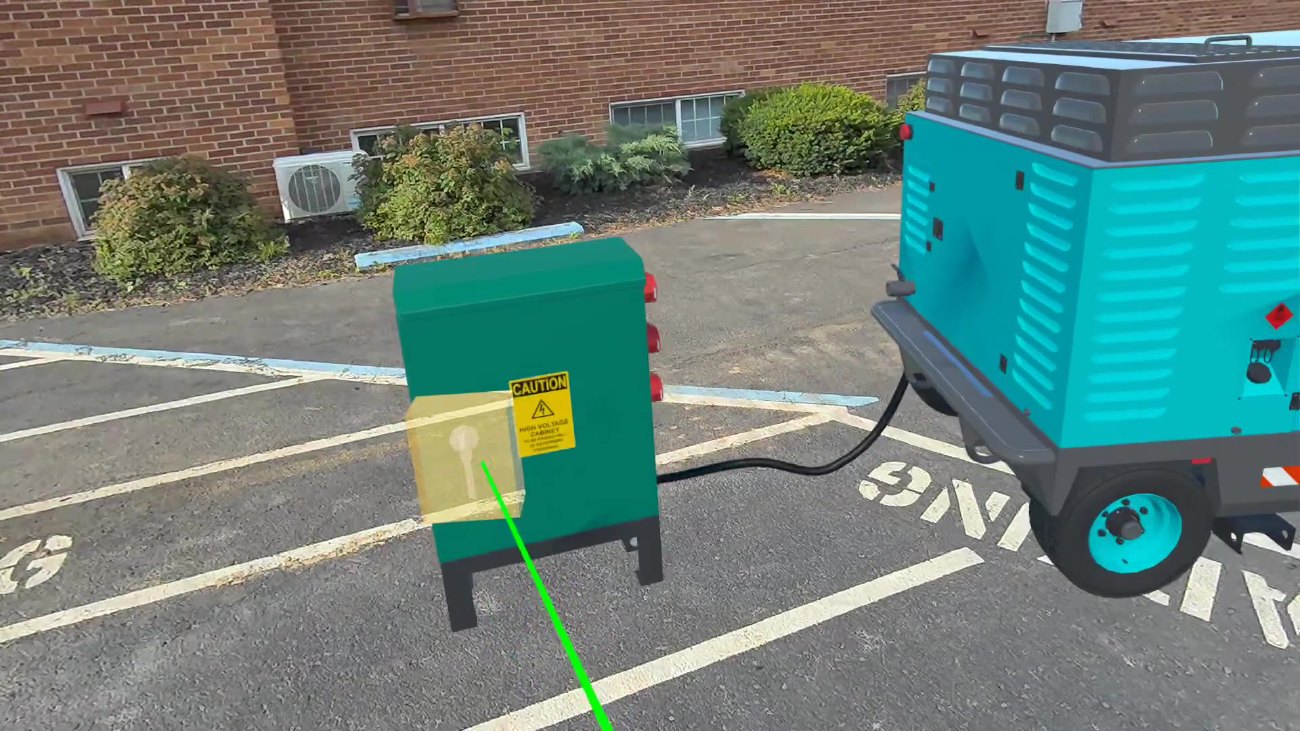
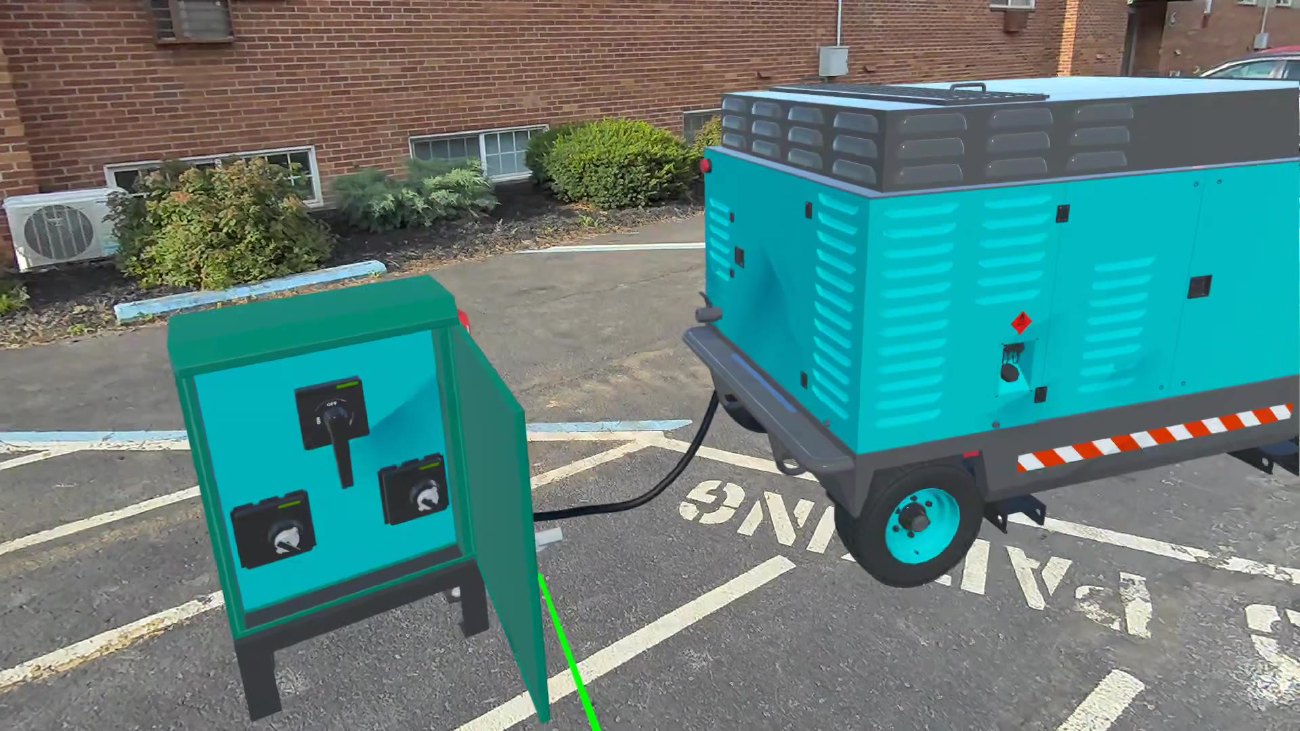
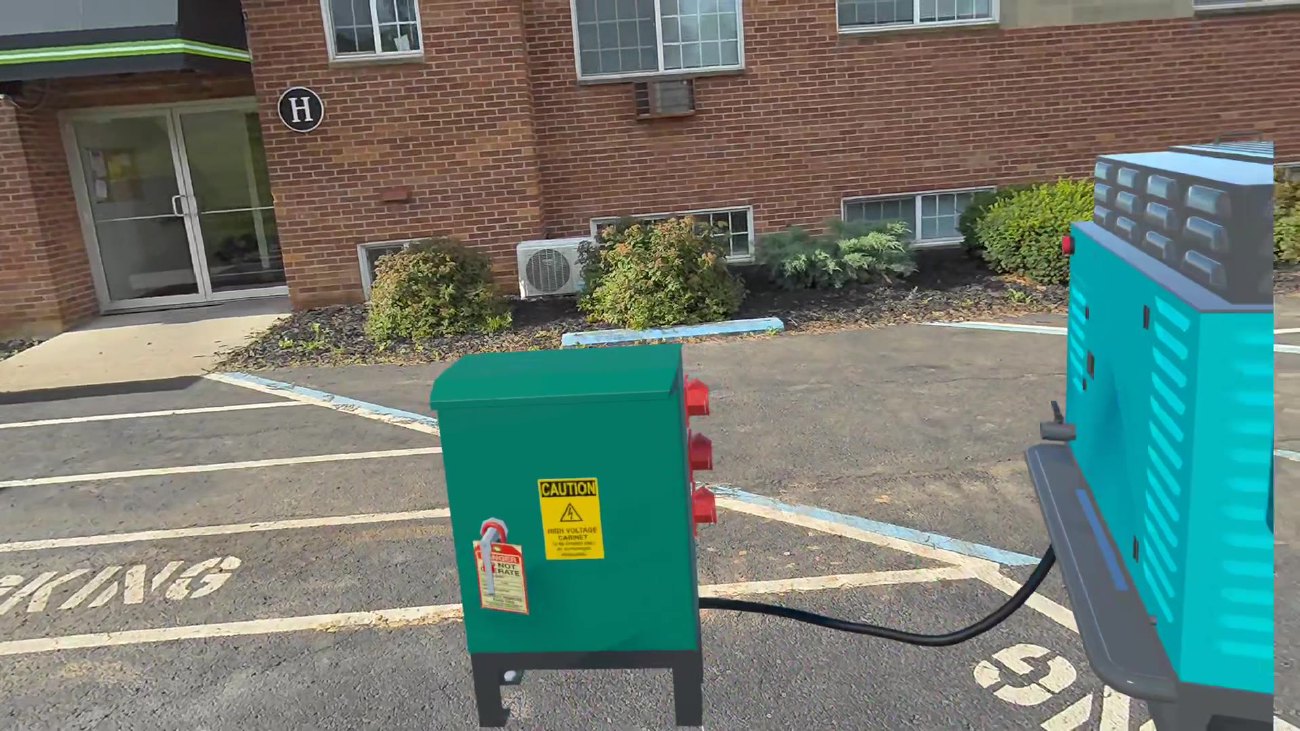
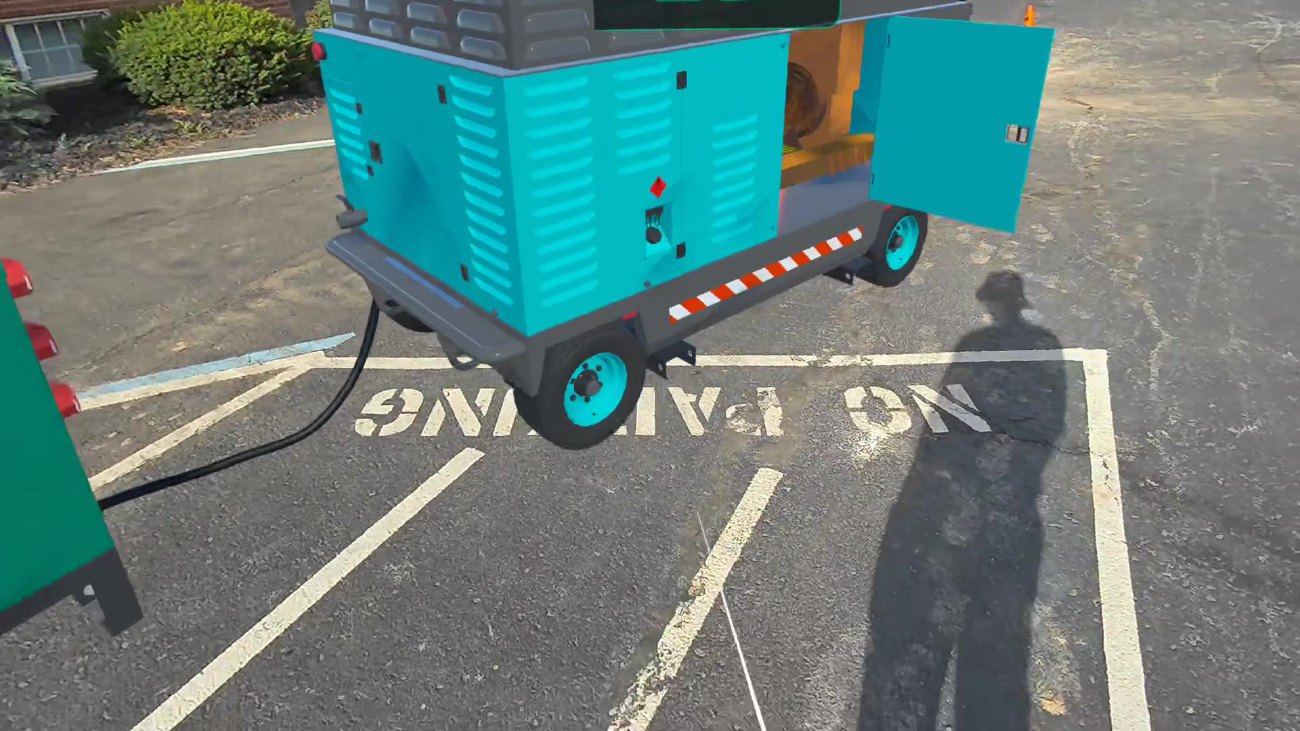
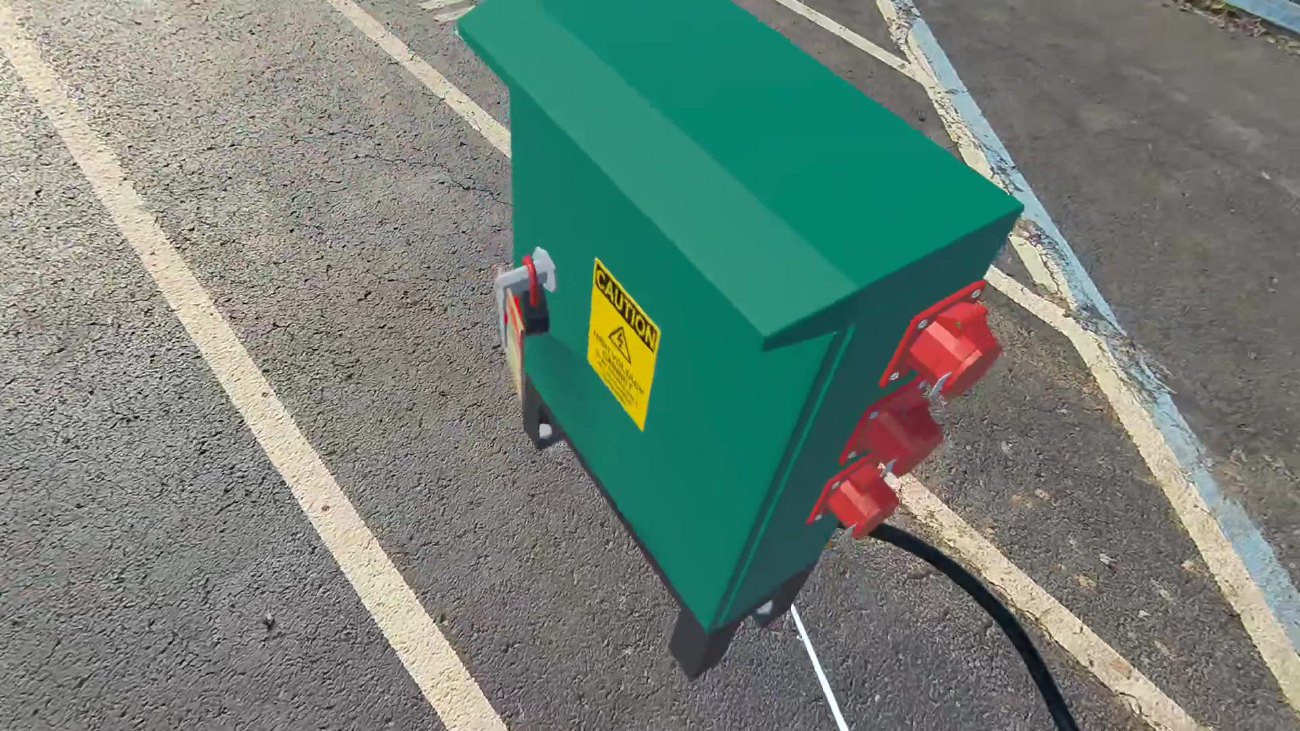
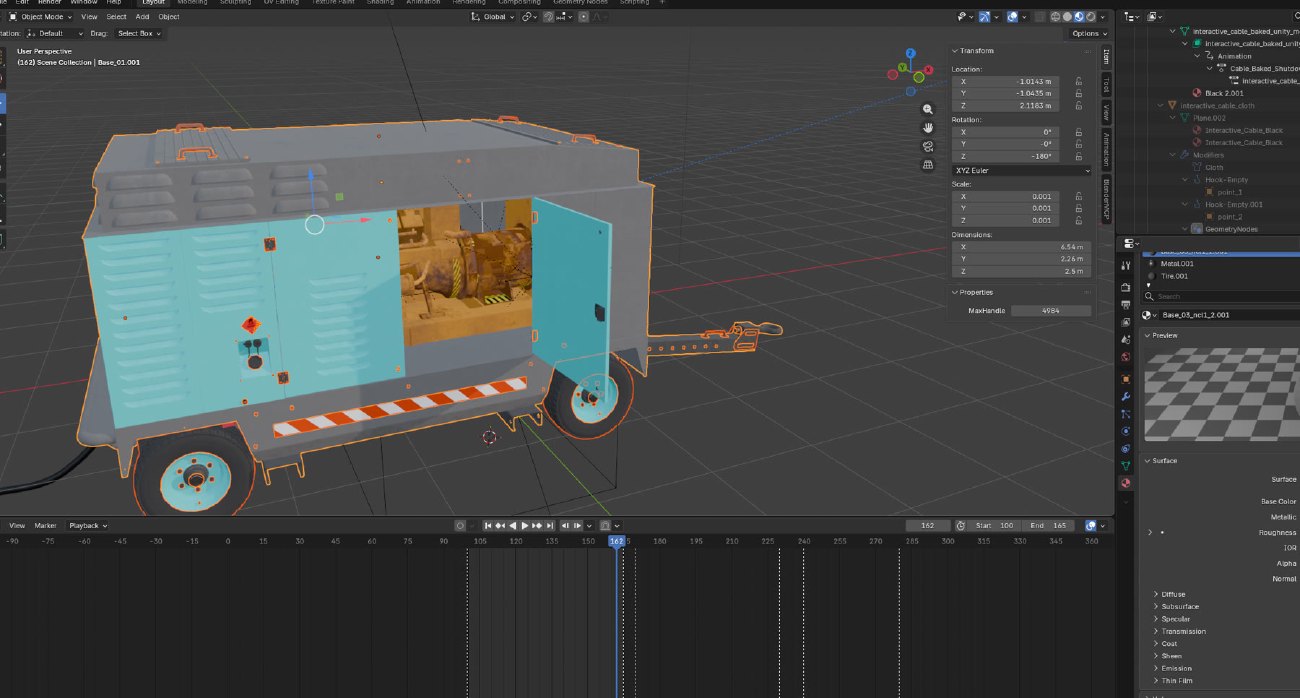
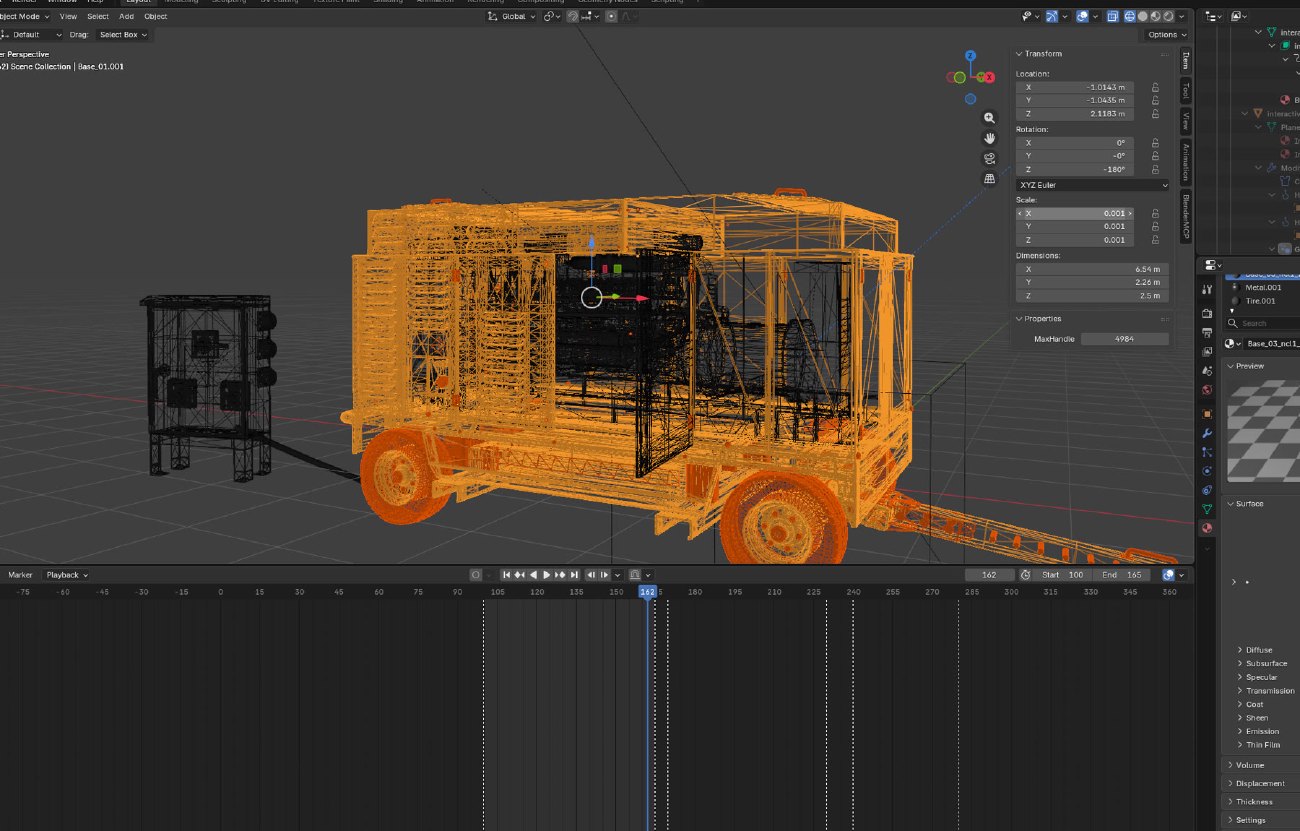
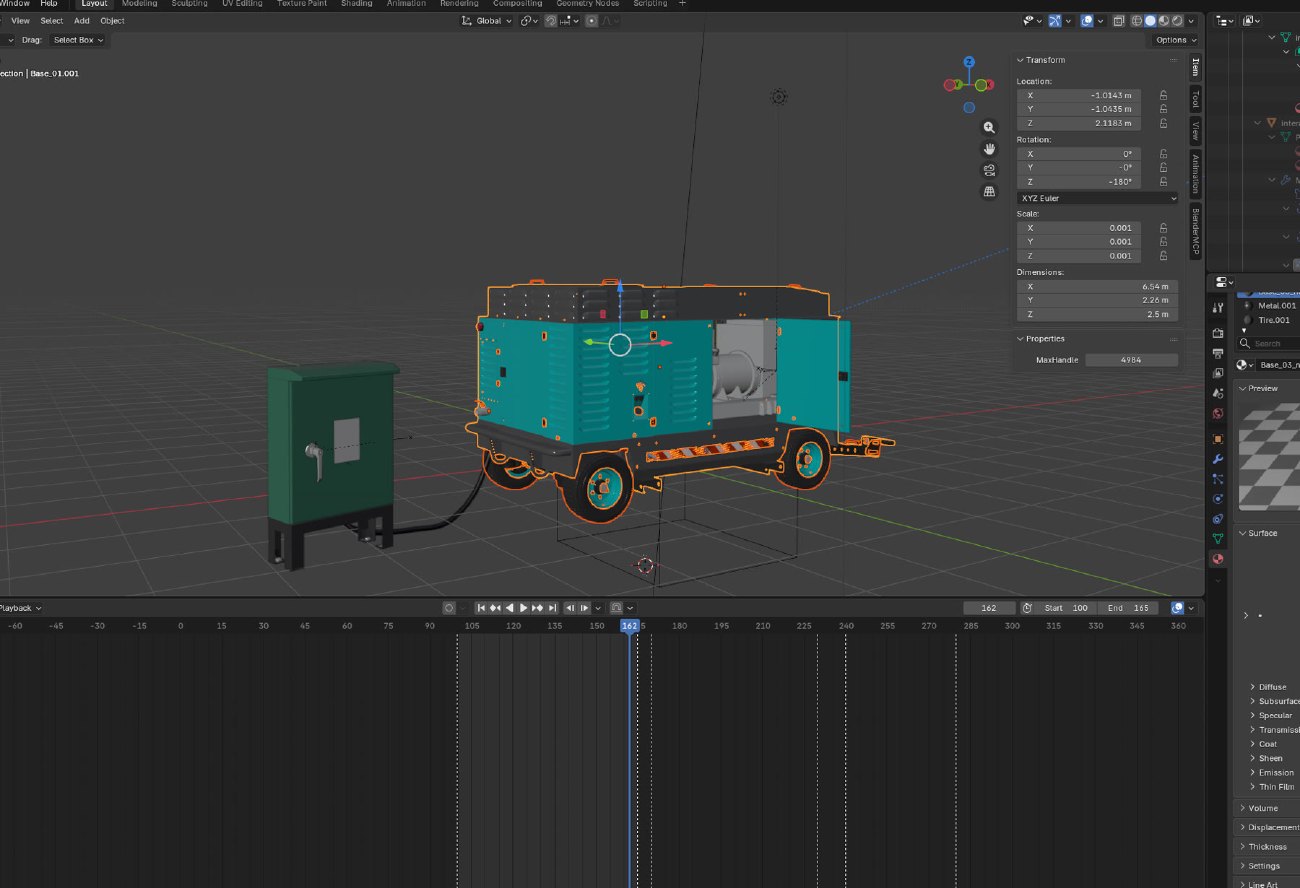
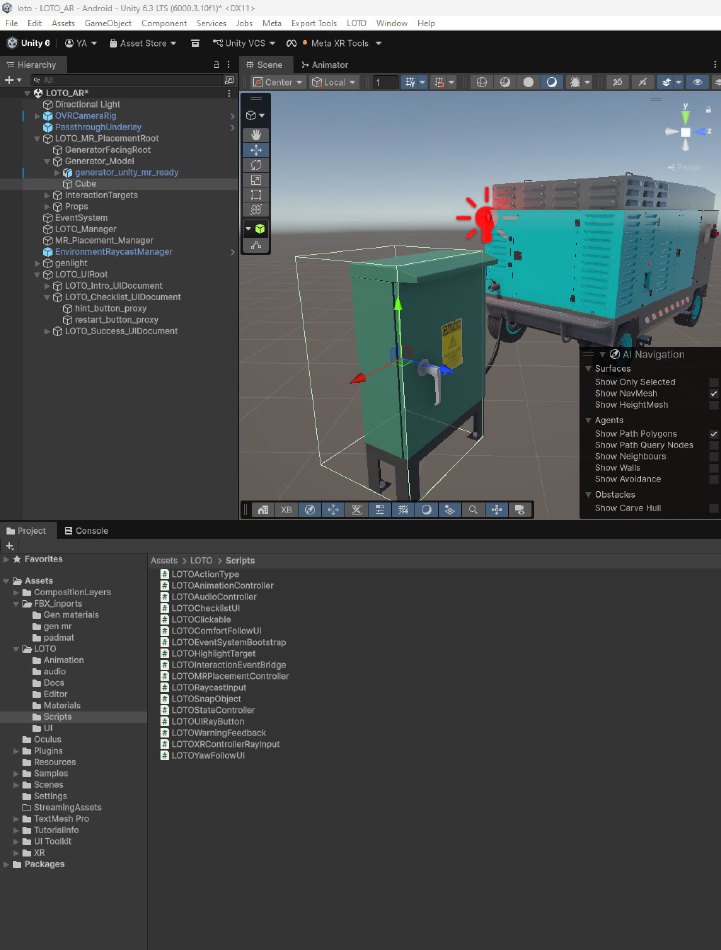
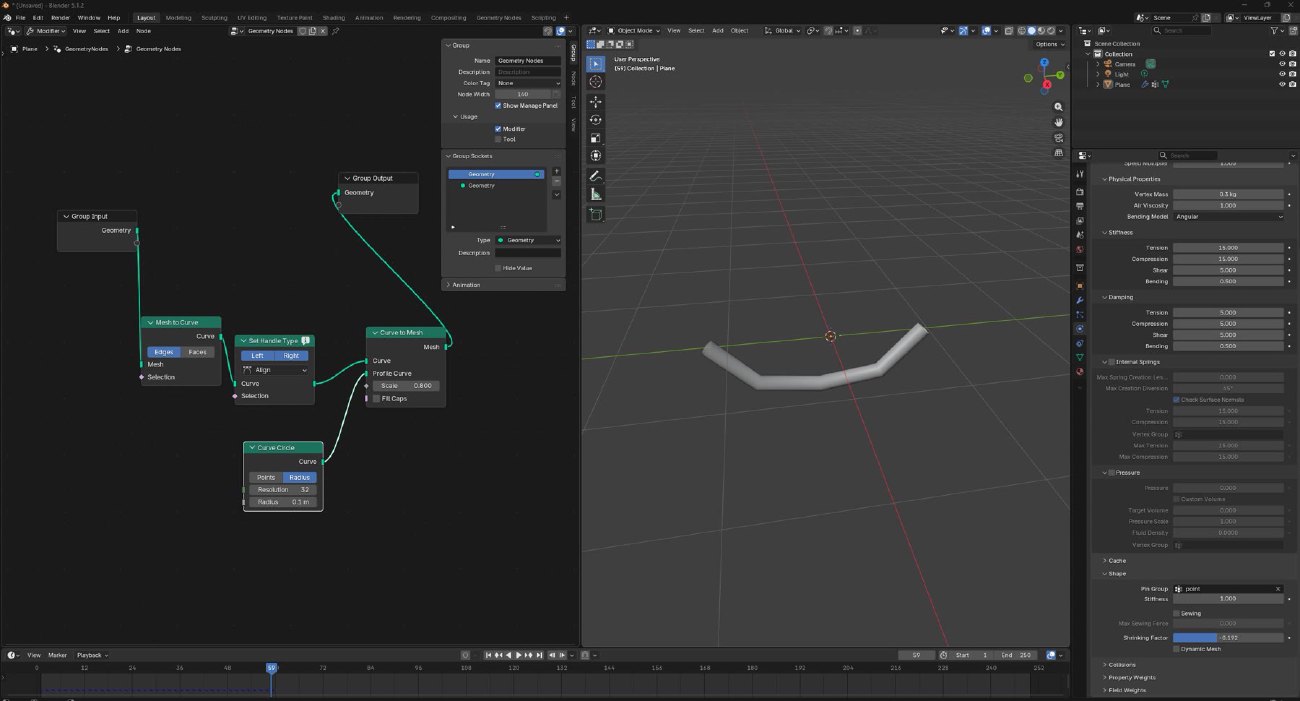
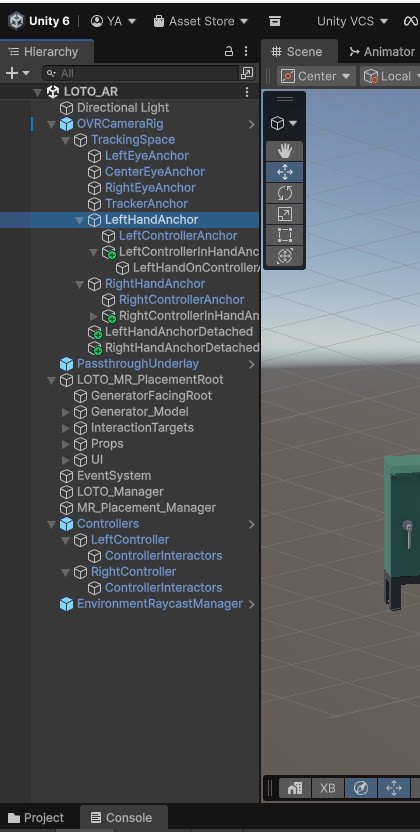
Walkthrough capture from the LOTO simulator, showing a procedural generator isolation workflow in mixed reality.The simulator begins by placing the generator into the user's real environment for Quest 3 passthrough training.Controller ray targets make small generator controls easier to select reliably in mixed reality.The training state machine requires the user to shut down the generator before advancing.The padlock and warning tag can be grabbed with the controller ray and snapped only during the correct step.The checklist uses a tag-along behavior so guidance remains readable without being fixed to the world.The service door is only allowed to open after the lock, tag, and shutdown sequence is complete.The generator model was prepared in Blender with separated panels, doors, handles, and internal components for interactive training steps.Wireframe inspection helped verify the model structure before exporting the generator and switch box assets into Unity.The equipment layout included a generator, external switch box, and cable relationship so the lockout flow could read as one connected system.Inside Unity, the simulator combined the imported assets with interaction targets, UI documents, warning feedback, and state-control scripts.Geometry nodes were used to shape cable assets that could be brought into the mixed reality scene as supporting training context.The Quest setup used a tracked camera rig, hand anchors, controller interactors, passthrough underlay, and raycast management for mixed reality interaction.