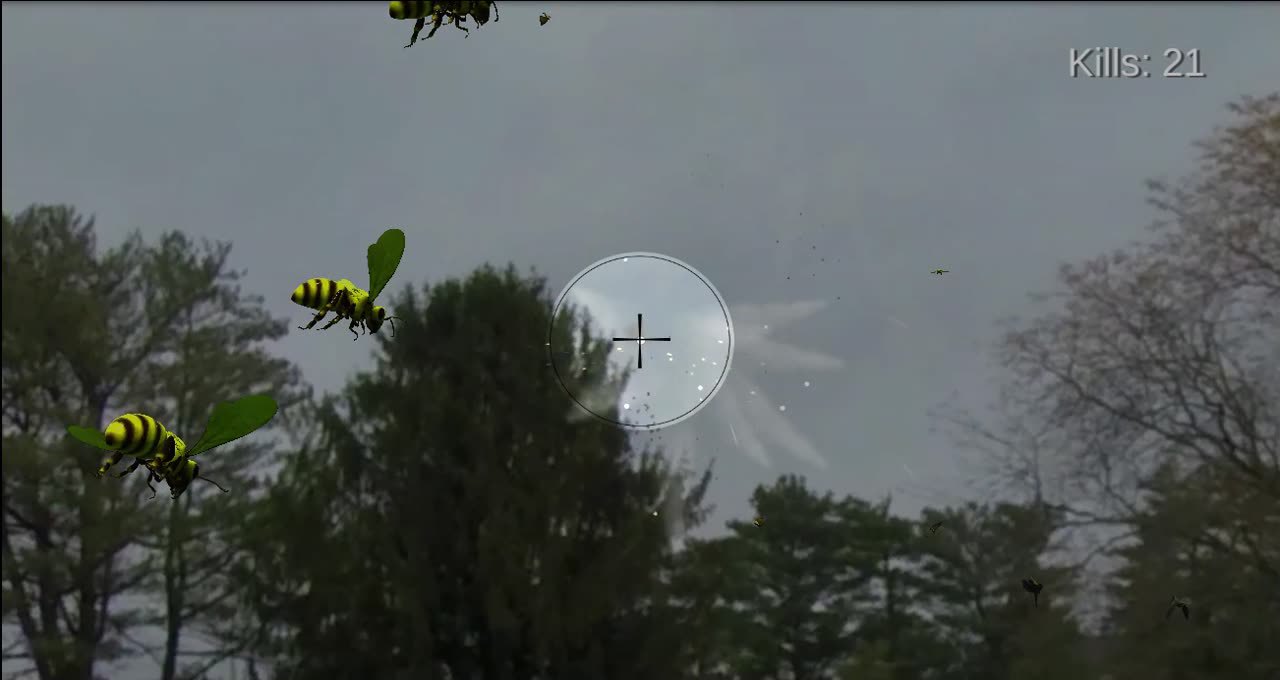
Unity FPS prototype exploring real-world captured imagery as game environments, using 360 imagery, terrain generation, height maps, and grounded object shadows.
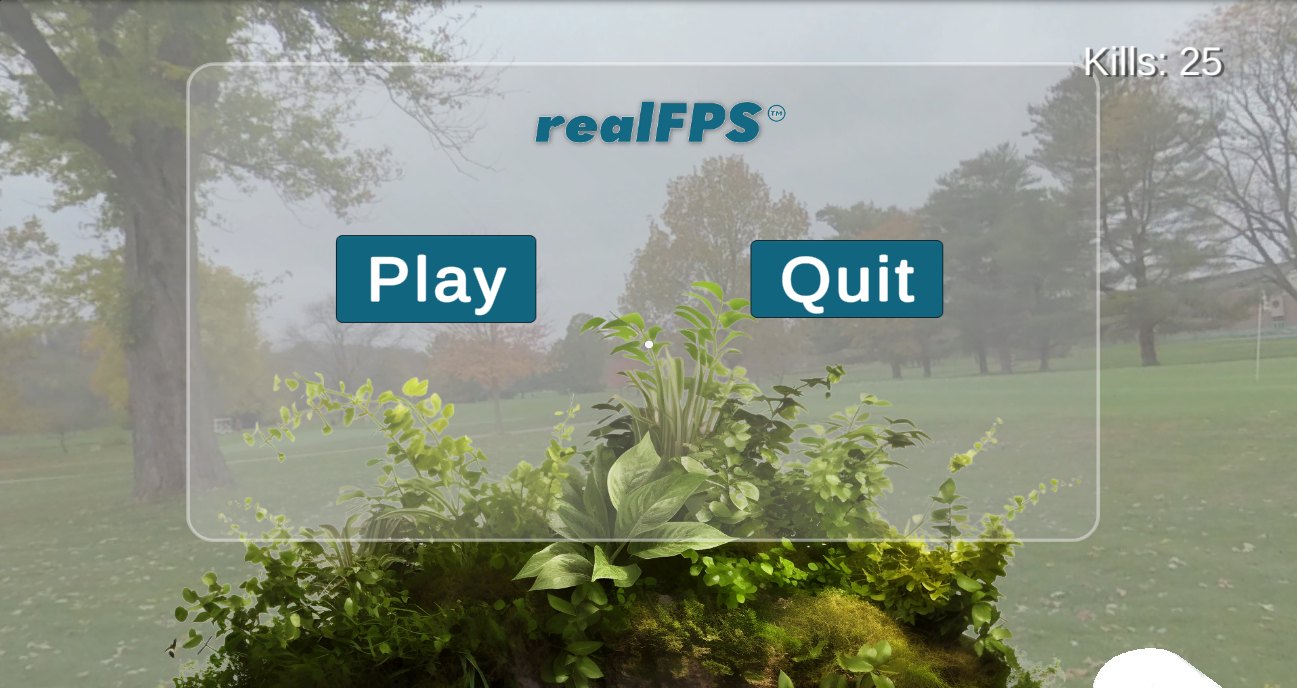
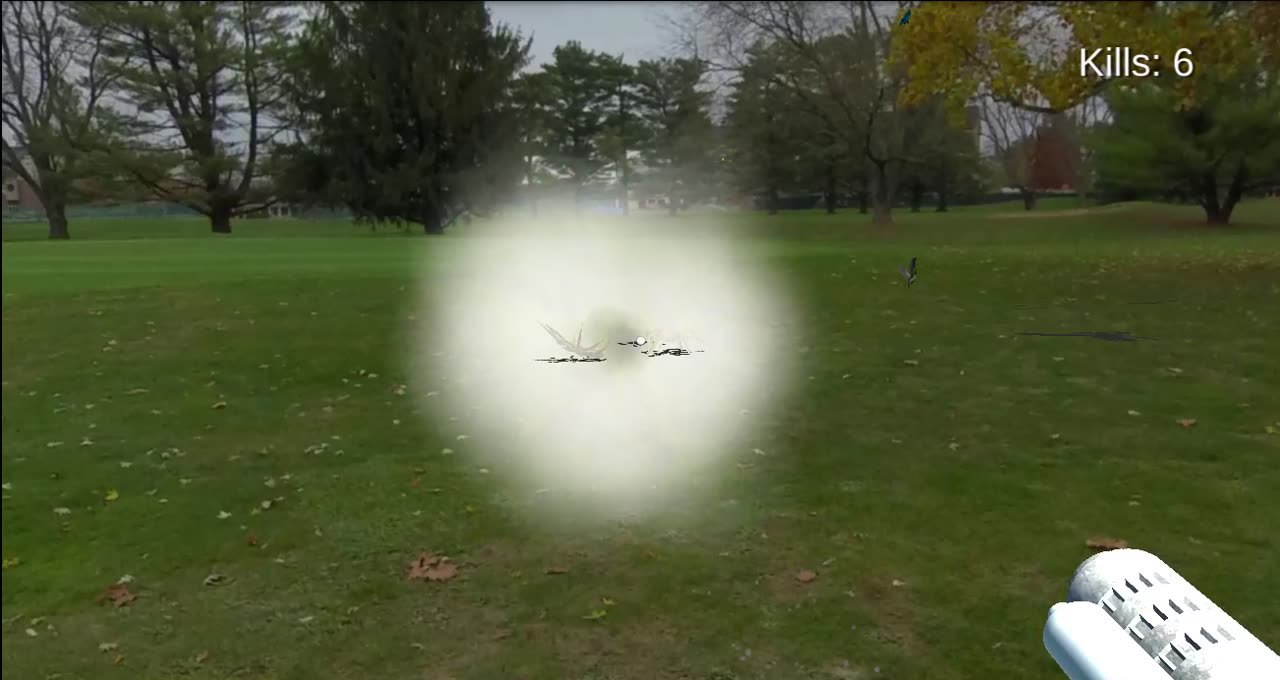
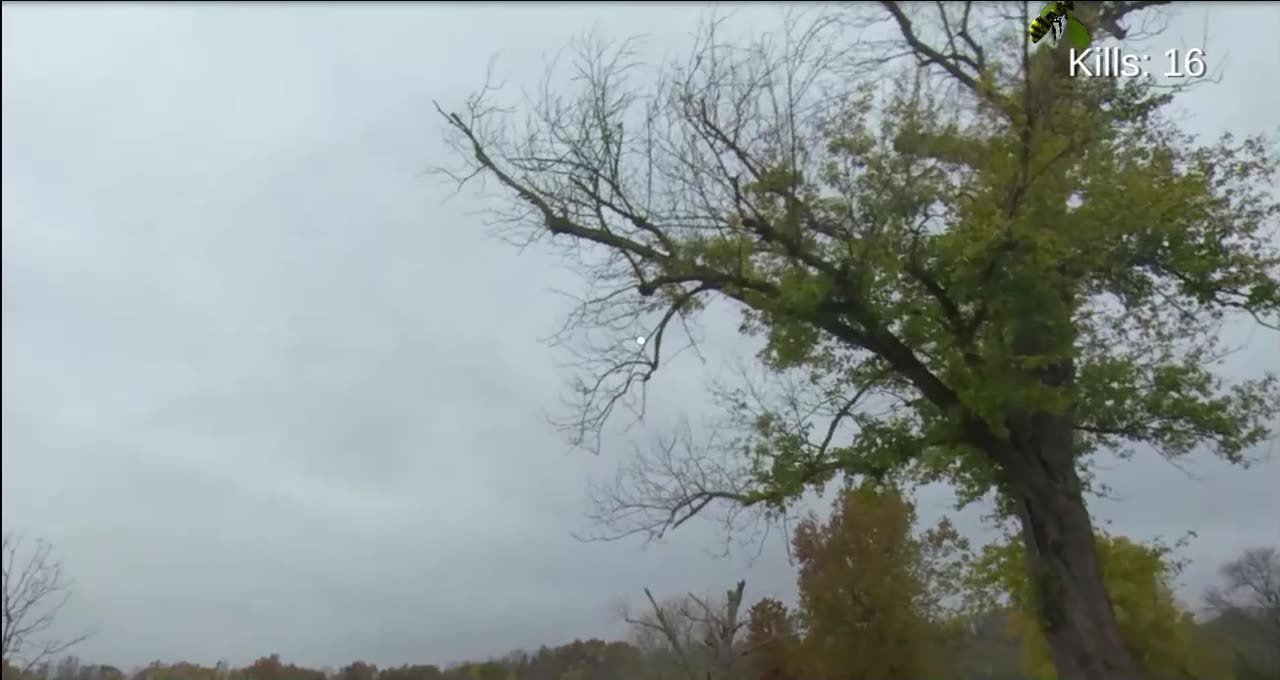
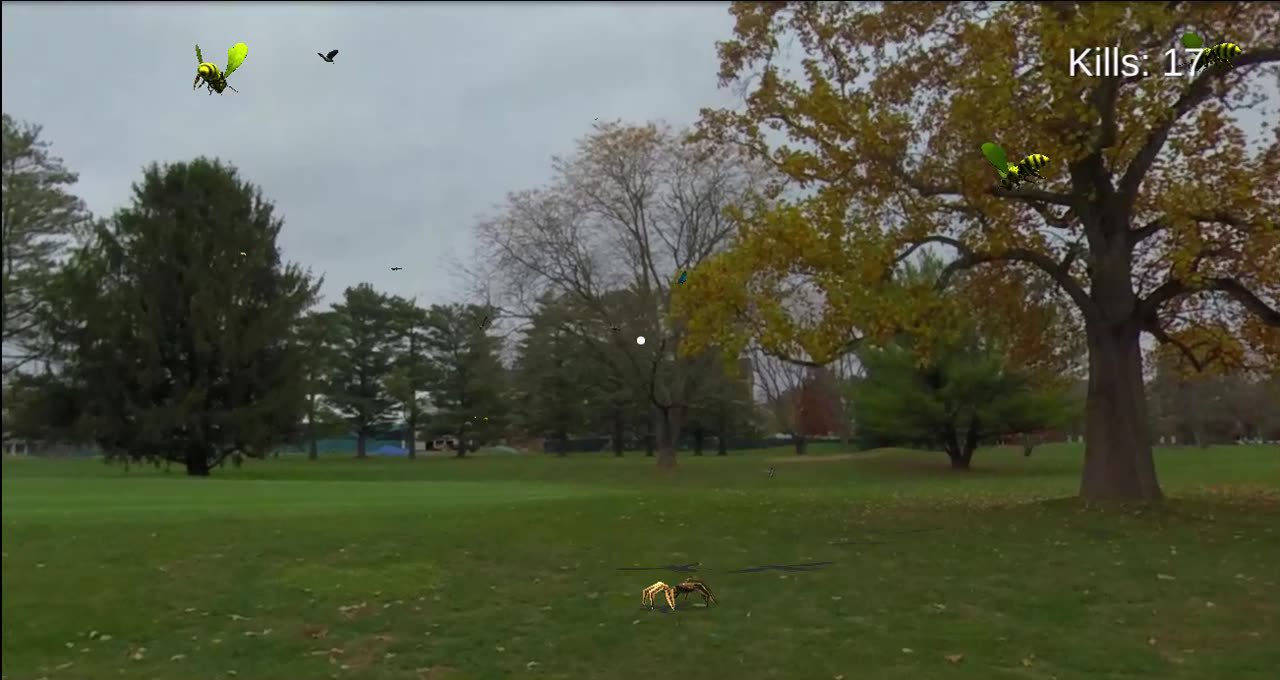
Gameplay capture showing the RealFPS prototype inside a terrain-like environment generated from real-world imagery.
RealFPS is an experimental Unity first-person prototype focused on using real-world captured imagery as a game environment. The goal was to explore whether 360 images or videos could become believable level assets instead of static backgrounds.
The workflow used captured 360 imagery as a base, then converted the scene into terrain-like geometry with height map data. In Unity, the environment became a playable space where enemy objects such as bees and spiders could move through the scene while casting shadows onto the captured environment.
The prototype tests a hybrid visual style: real captured imagery provides the atmosphere, while game objects, movement, lighting, and shadows make the scene feel interactive and grounded.
01. The Challenge
The challenge was testing whether captured real-world imagery could become more than a background plate. The prototype needed to turn 360 imagery into a playable level surface, then make enemies and interactive objects feel grounded through terrain collision, lighting, and shadow behavior.
Design Process
From captured image to playable space The project began as a test of using real-world 360 imagery as an FPS environment. Instead of building a fully modeled level from scratch, the experiment explored whether a captured scene could be converted into terrain-like geometry that still preserved the look of the real environment.
The workflow used a terrain-generation package to turn the 360 image data into a level surface using height maps. Height maps are a common Unity terrain workflow: the height values define the shape of the terrain surface, allowing a captured or generated source to become navigable geometry.
Once the scene was in Unity, the next challenge was grounding game objects visually. Bees, spiders, and other moving elements needed to feel like they belonged in the captured environment. Lighting and shadow casting were tuned so those objects could cast shadows onto the environment as they moved, making the scene feel less like a flat photo and more like a playable world.
Specs
Project details Format: first-person game prototype Engine: Unity Environment source: real-world 360 captured imagery Terrain workflow: generated playable level surface using height maps Visual experiment: blending captured imagery with interactive game objects Gameplay objects: bees, spiders, and FPS-style movement Rendering focus: object grounding, lighting, and dynamic shadow casting Deliverables: playable prototype and gameplay recording