
Around the World Game
Interactive Unity geography game where players use camera-tracked hand movement to grab, drag, and place landmarks around a stylized 3D world.
Around the World is an interactive geography game built around a stylized 3D planet, recognizable landmarks, and object-based challenges. Players identify landmarks, drag them from the panel, and place them in the correct region to earn points and progress through the experience.
The visual system combines playful landmark models, a rotating miniature world, and a lightweight game interface designed for quick feedback and replayable learning.
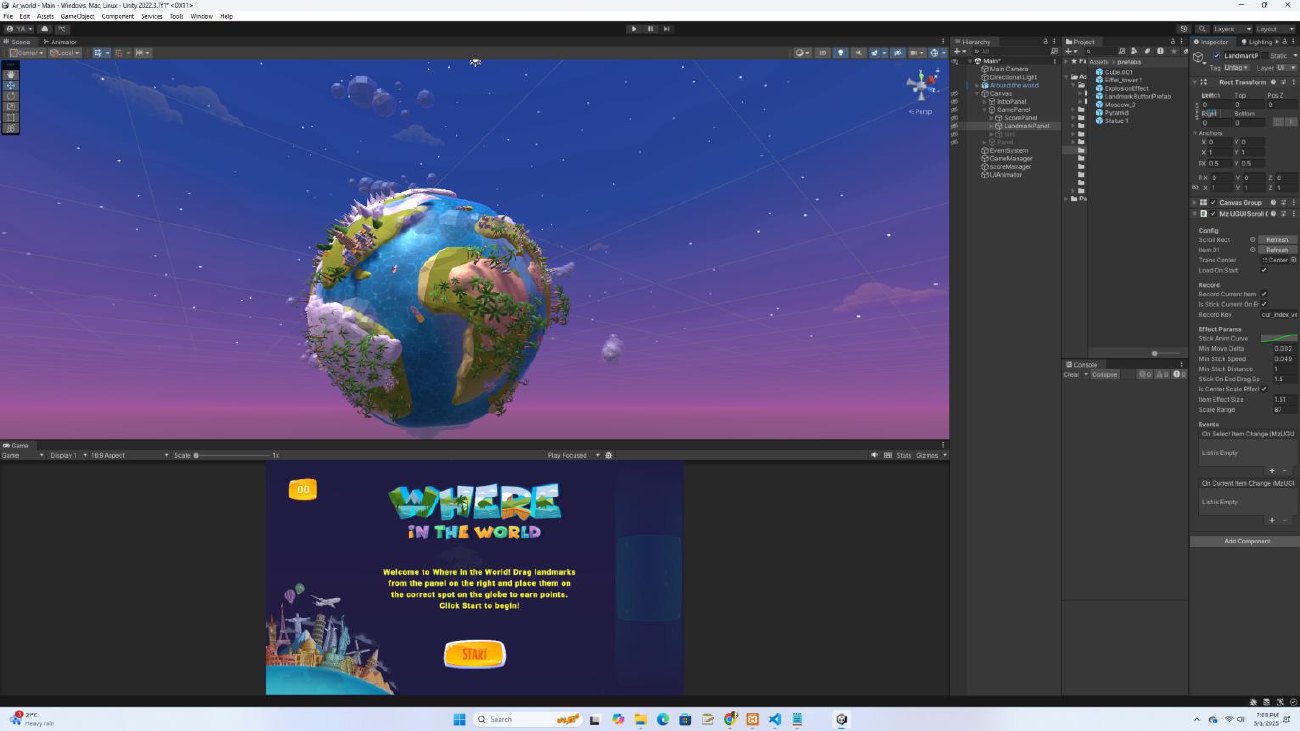
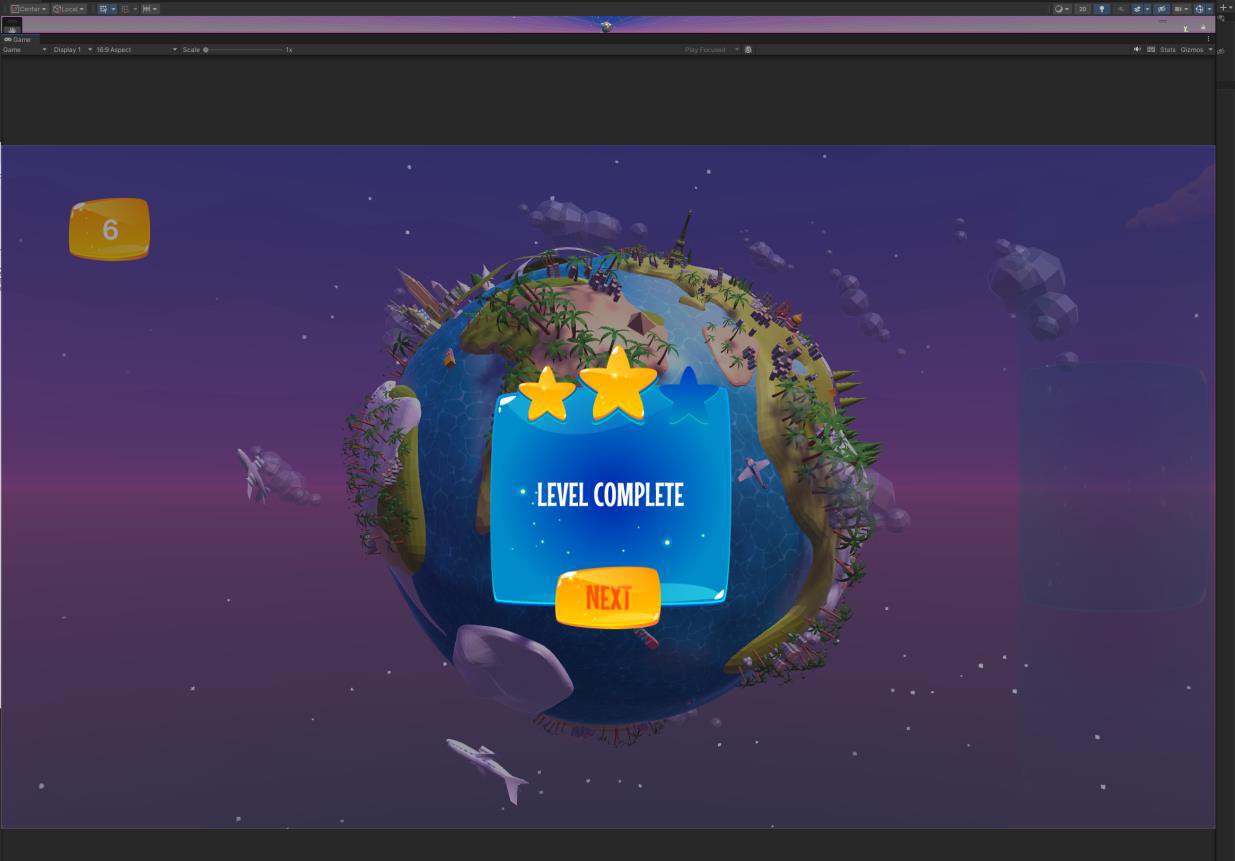
The challenge was turning geography practice into an active, playful experience. Instead of asking learners to memorize landmarks from a static screen, the game needed to let them manipulate objects directly, connect landmarks to places, and receive feedback through a clear game interface.
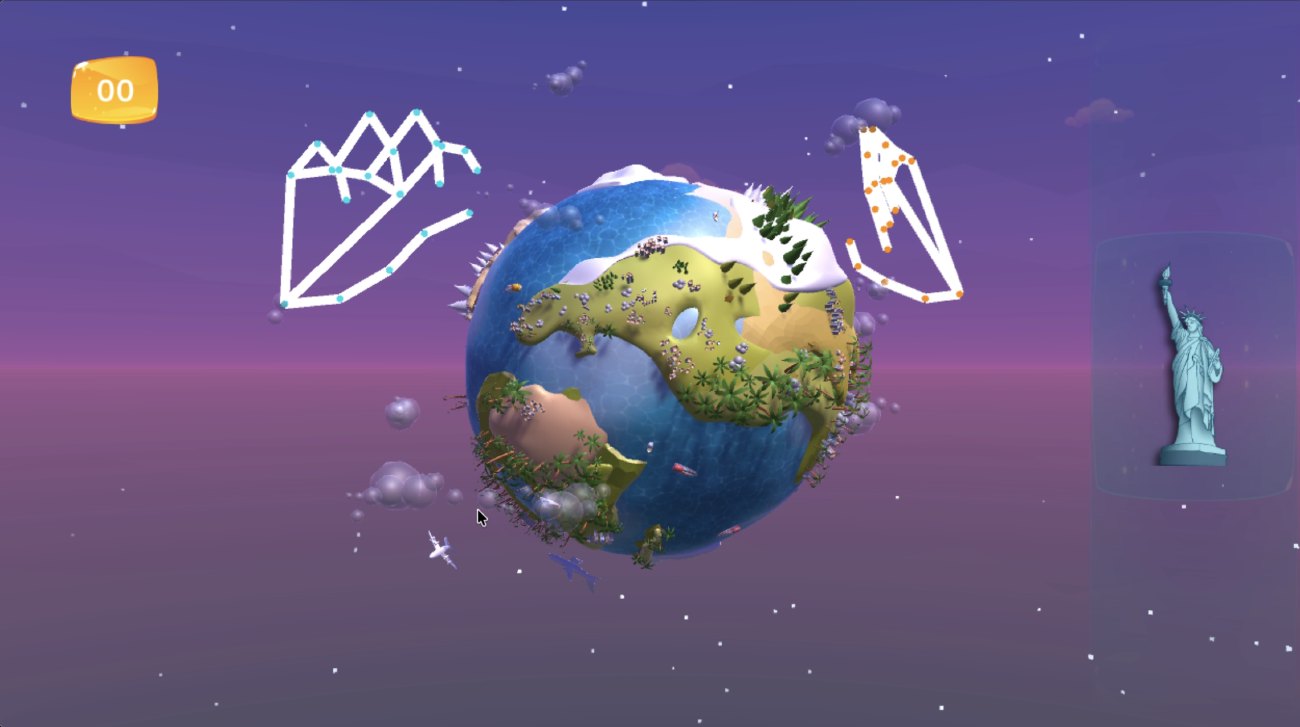
The project extends the core Unity game with motion capture interaction: MediaPipeUnityPlugin captures hand movement through the device camera so users can interact with objects more naturally. This makes the experience feel less like a quiz and more like a hands-on spatial learning activity.
Designing a playful geography interaction
The project began as a multimedia learning tool for landmark recognition. The main interaction was designed around a simple loop: see the target object, move it into the world, receive feedback, and continue to the next challenge.
Unity handled the game world, scoring, object placement, and interface flow. Blender supported the creation and preparation of landmark and world assets so the scene could stay playful while remaining recognizable.
The added motion capture layer changes the interaction model. Instead of relying only on mouse or touch input, the game can read hand movement through the device camera and map that motion to object interaction. The motion capture prototype uses MediaPipeUnityPlugin with a web-based Three.js media pipeline to connect camera-tracked hand data to object interaction.
This combination supports a more embodied learning experience: learners are not only selecting answers, they are physically guiding objects into place.
Project details
- Format: interactive educational game
- Engine: Unity
- 3D asset workflow: Blender
- Interaction: drag-and-place landmark challenges
- Motion input: camera-based hand movement capture through MediaPipeUnityPlugin
- Web prototype layer: Three.js media pipeline
- Learning focus: geography, landmark recognition, spatial recall, and active object interaction
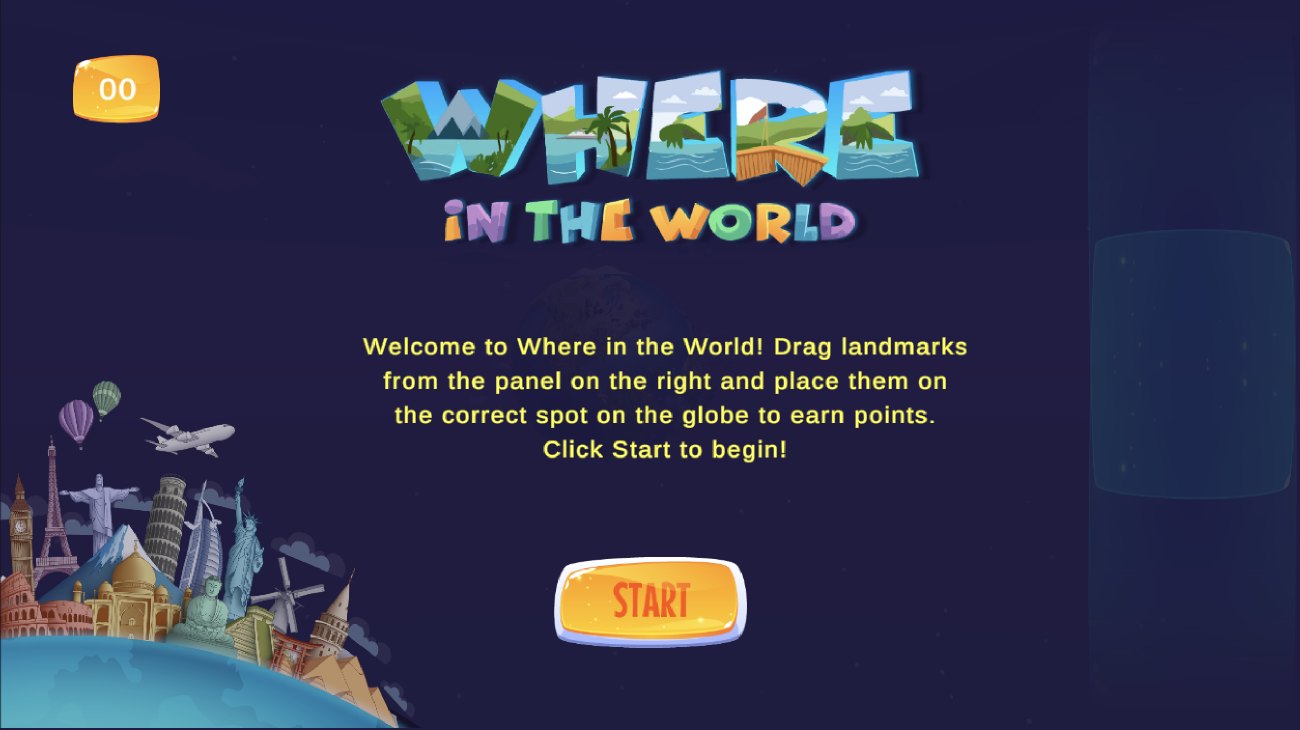
- Interface elements: score display, object panel, start screen, level completion feedback
MediaPipeUnityPlugin provides the camera-based hand tracking layer used to map hand movement into game object interaction.